Research the outliers.
Generate the thumbnail.
Edit the rest.
Search your niche for videos that beat their own channel's baseline. Press Create Similar on one and its thumbnail lands in the generator as your reference, with the video's title attached. Built for YouTube creators between 1K and 200K subscribers.
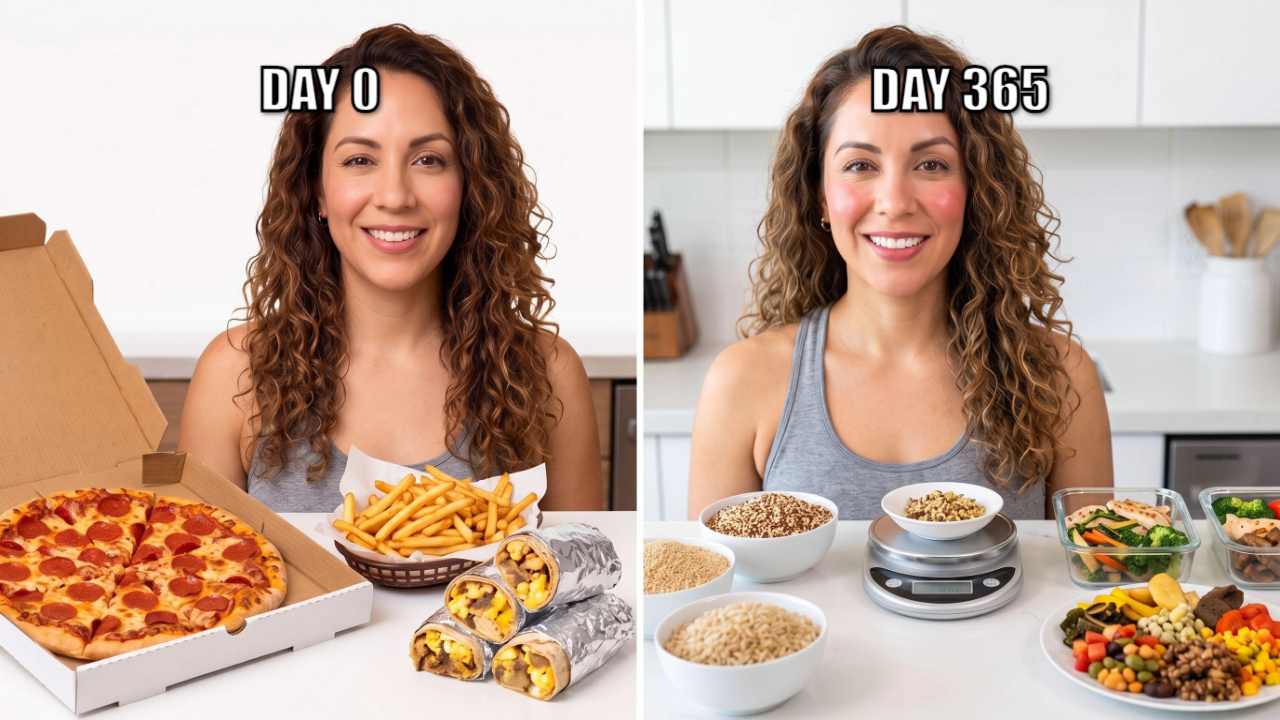
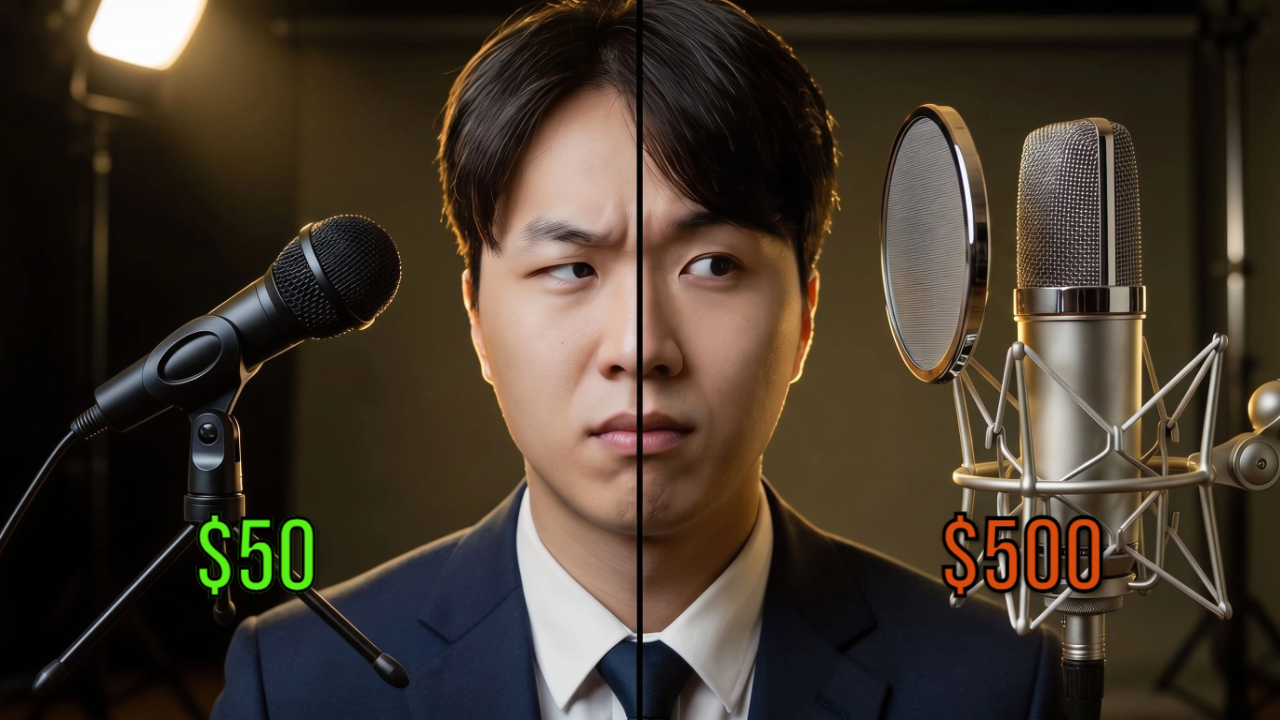

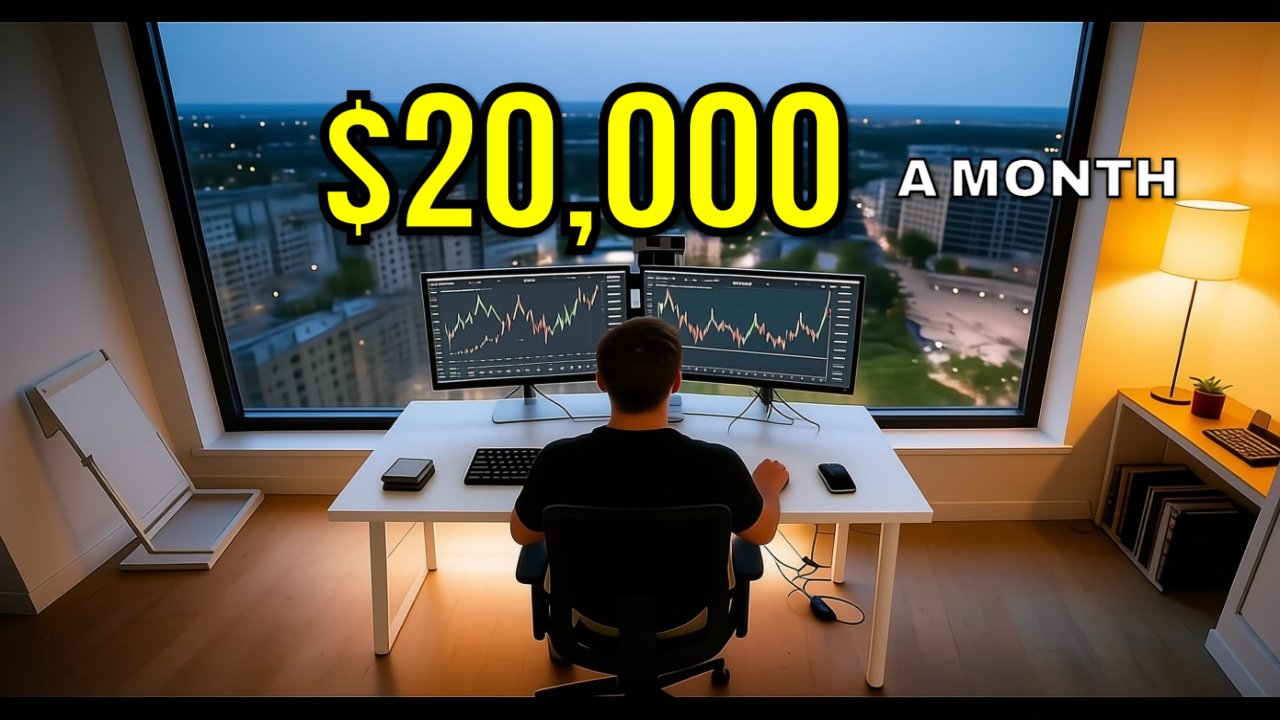

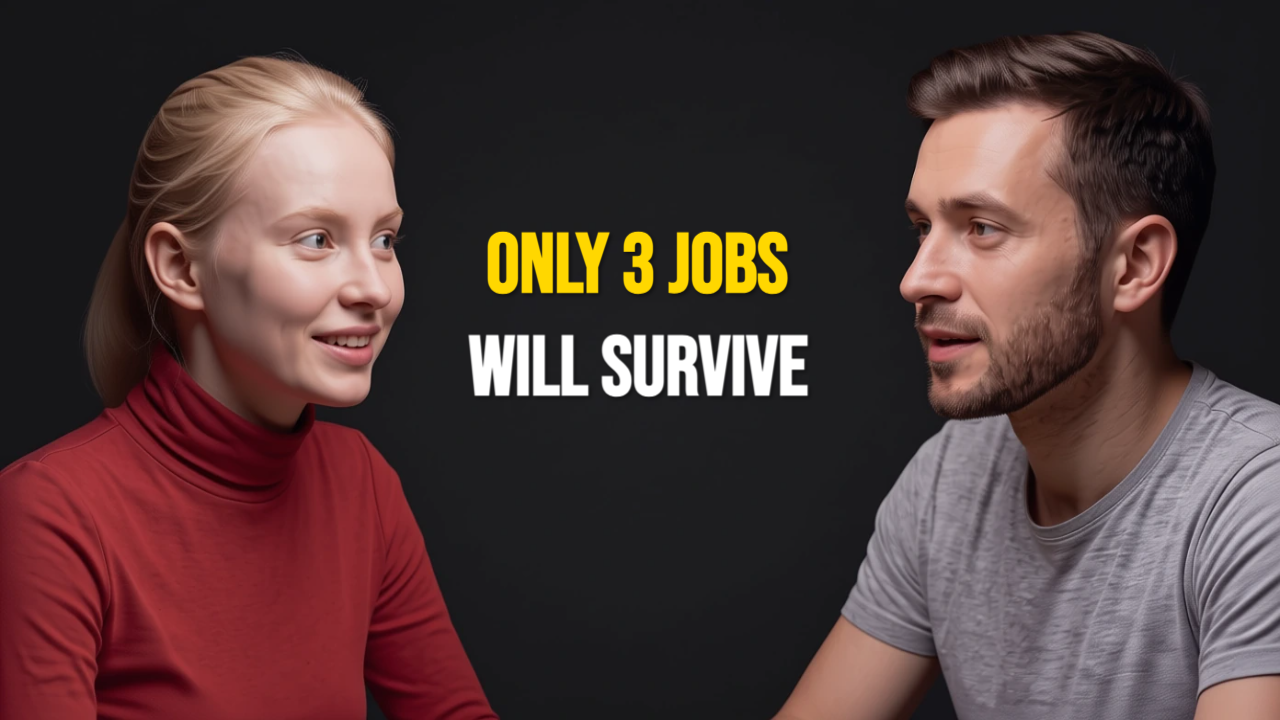
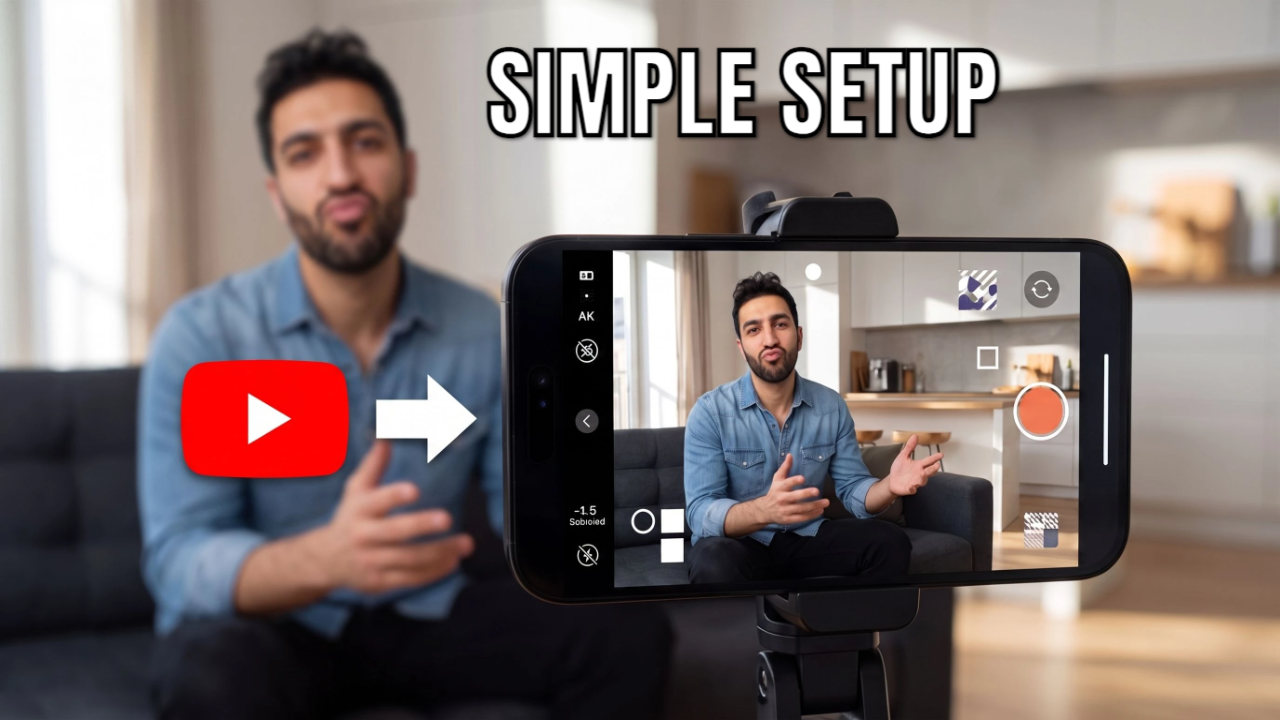
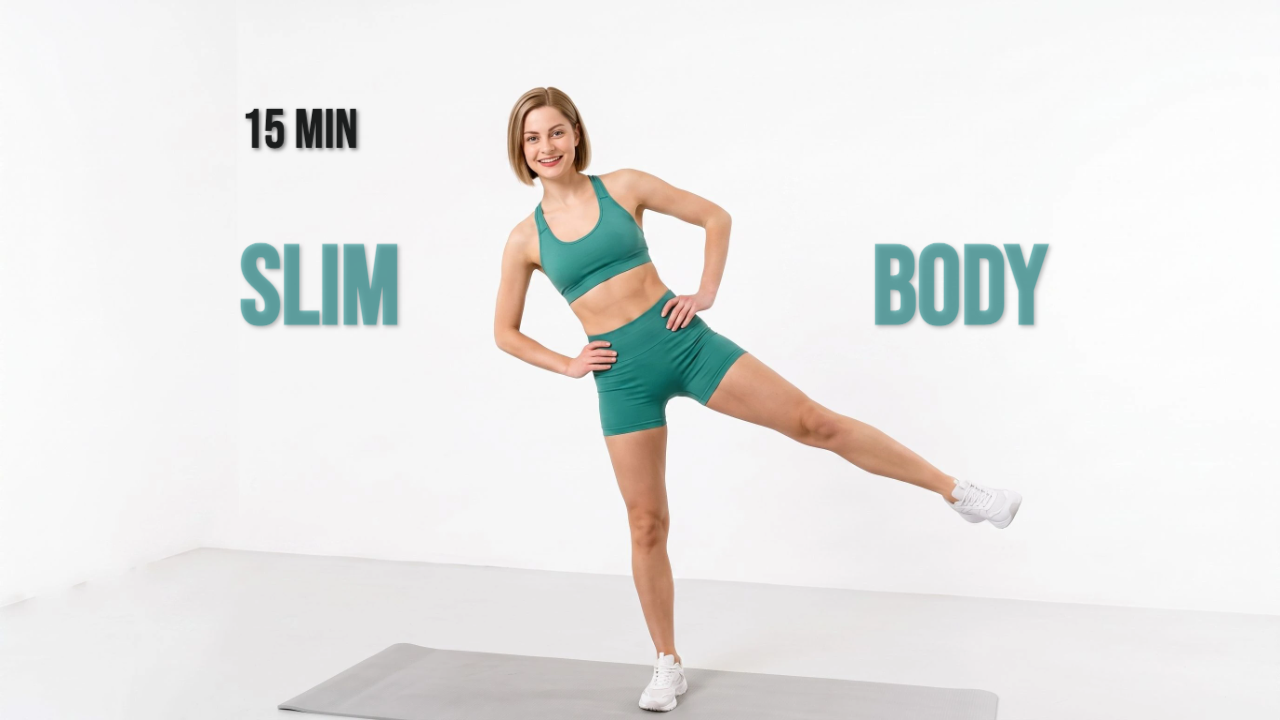


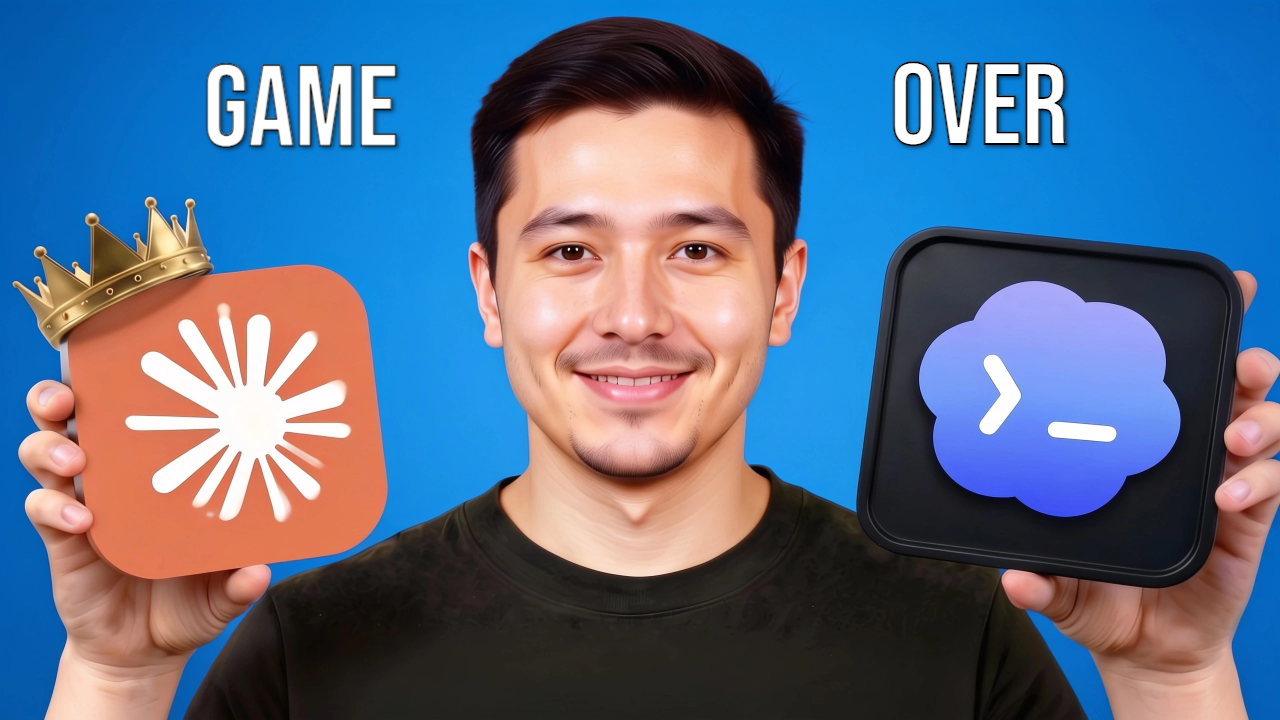
The full thumbnail loop, in one place.
Three steps on one account, and the handoff between them is a button rather than a download and a re-upload.
See what's winning in your niche.
Search any topic. Vwrap surfaces outliers: videos whose views beat their own channel's trimmed-median baseline for the same format and the same age bucket. Every card carries the multiplier, the views, and a confidence label drawn from how many videos stood behind that baseline.
See how outlier research works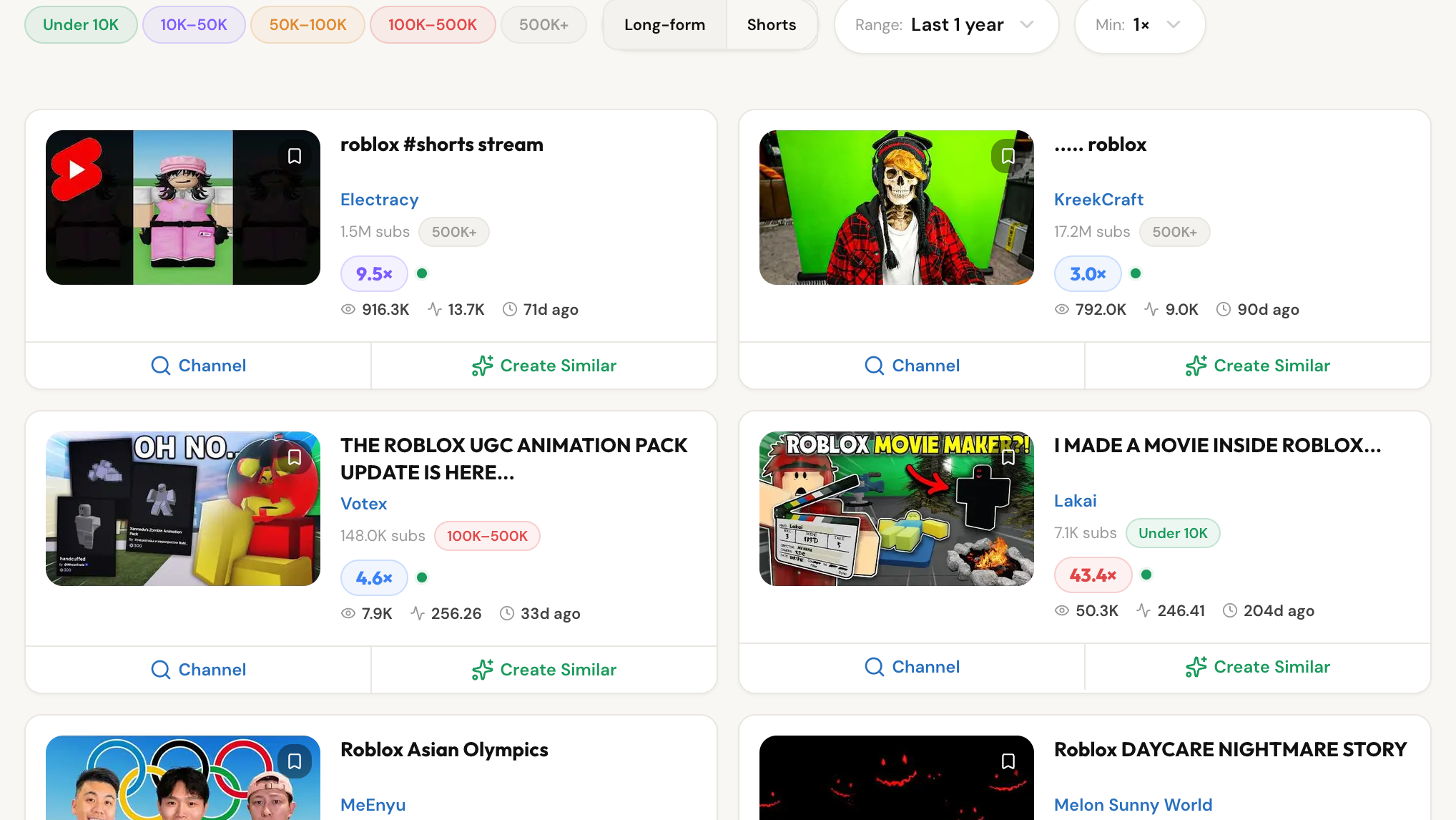
Turn winning patterns into your thumbnail.
Hit Create Similar on any outlier and it arrives as your reference. Add a template, the layout archetype we mined from that niche's winning thumbnails, and Vwrap locks its composition and text treatment while your subject and scene stay yours.
See how generation works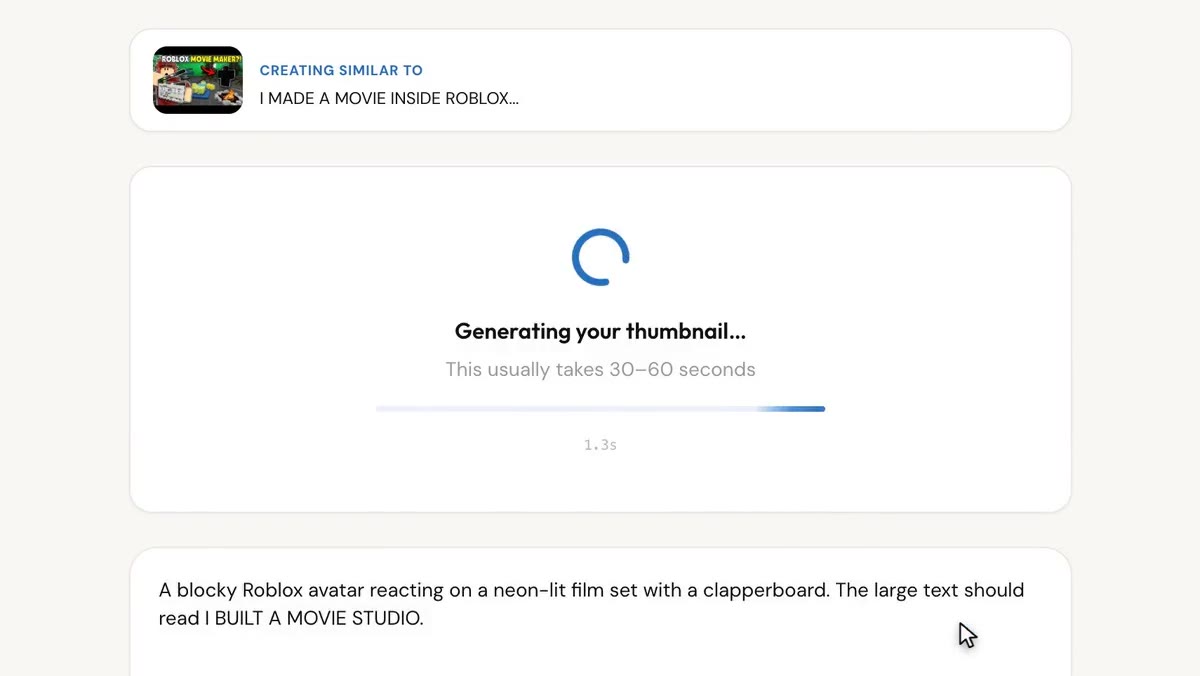
Name the layer. Change that one thing.
Vwrap runs detection over the finished image and lists what it found (people, text, elements) so you can point at one instead of describing it. Swap in your own photo, replace an object, change the camera angle. Each tool re-renders the whole frame with your change applied, rather than pasting a patch over the old one.
See the editor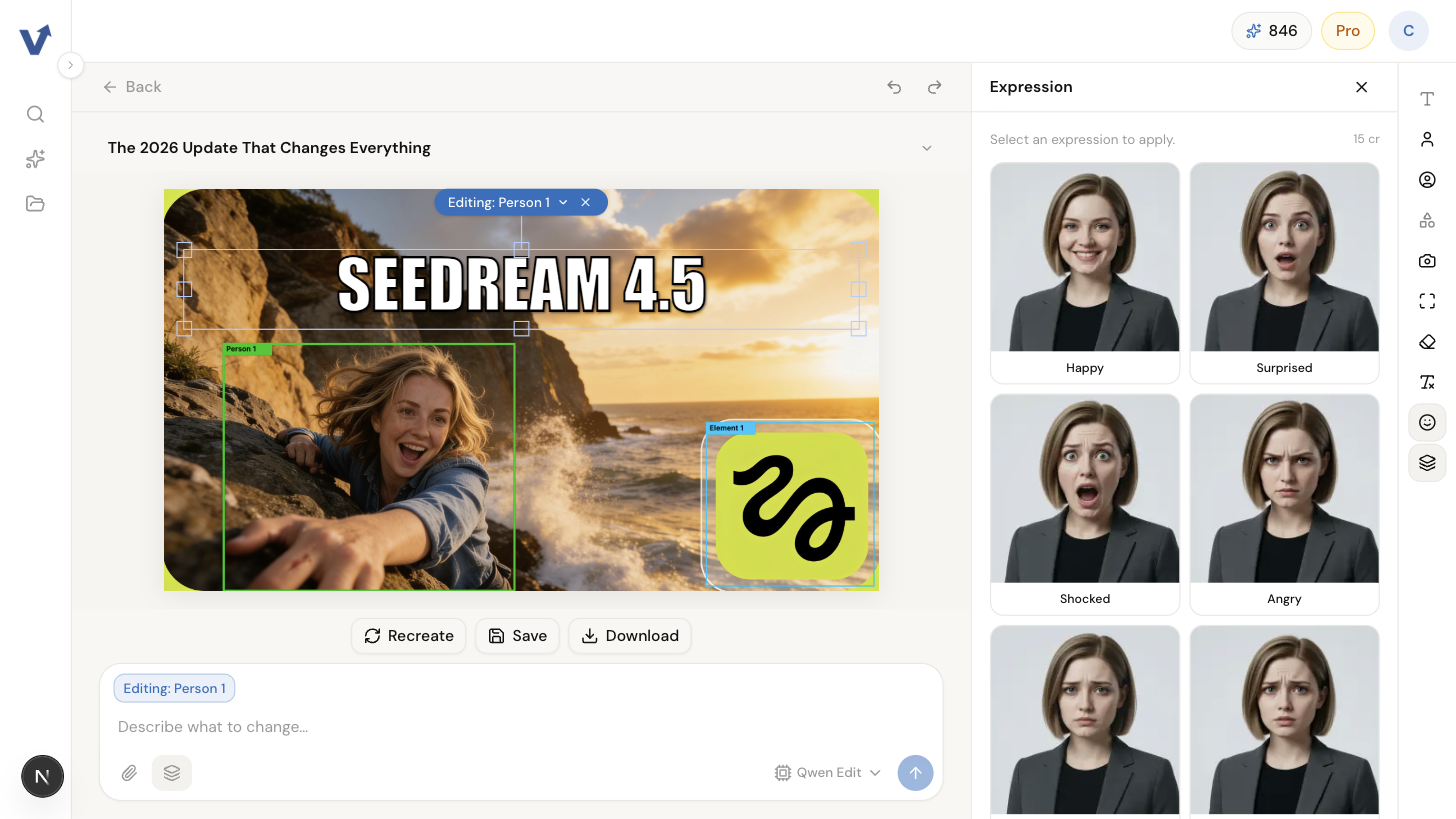
Every tool you need to make a winning thumbnail.
From style match to targeted edits, Vwrap covers every step.
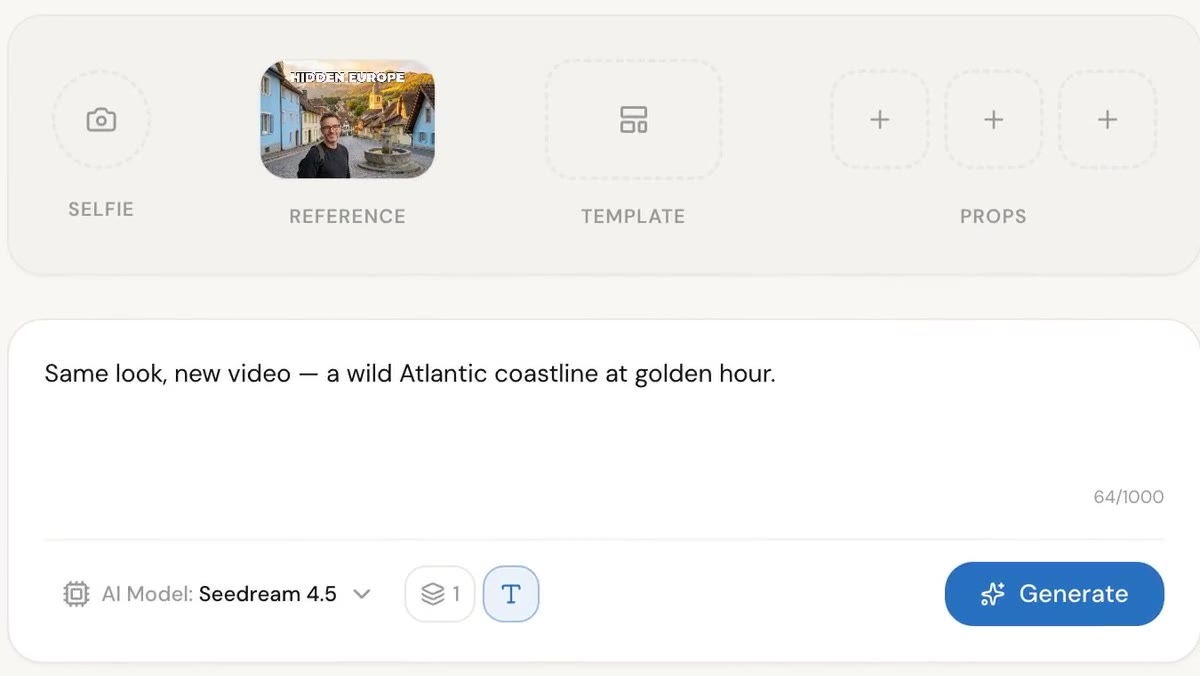
Style replication.
Point at any outlier or thumbnail you like and it goes to the model as a reference image, with an instruction to follow its background, layout, spatial arrangement and visual style.
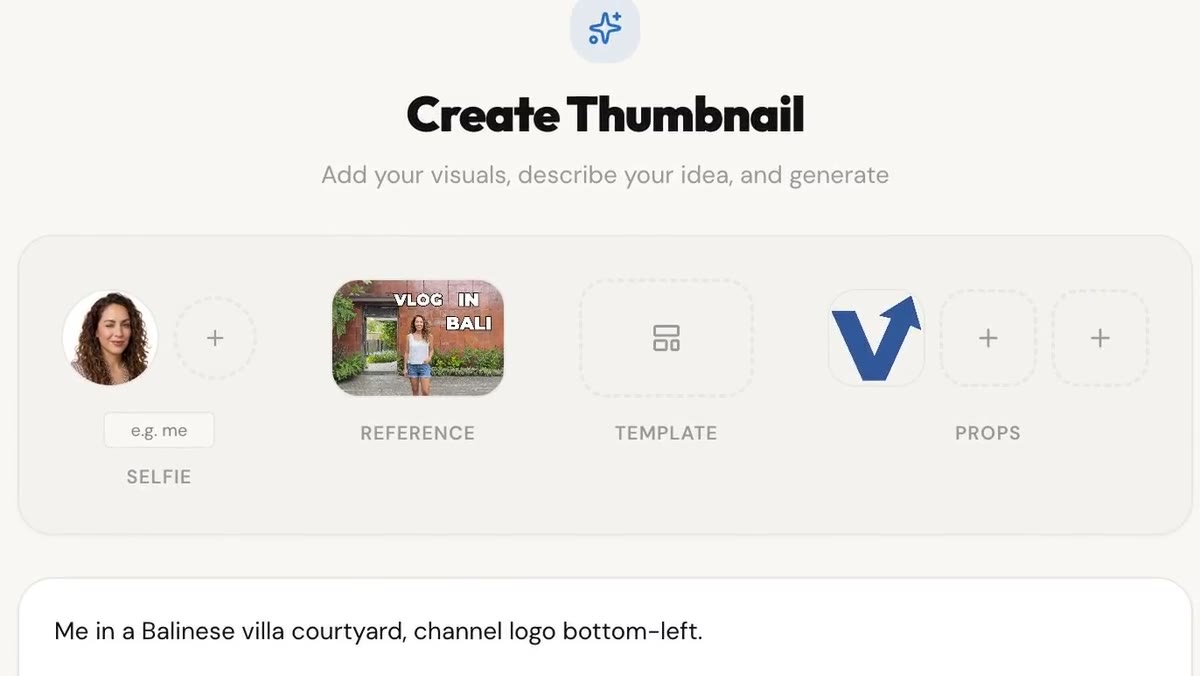
Bring your own visuals.
Add your own photo, and up to three brand assets or props alongside it. They go into the generation as attached images; the prompt is where you say what each one is doing.
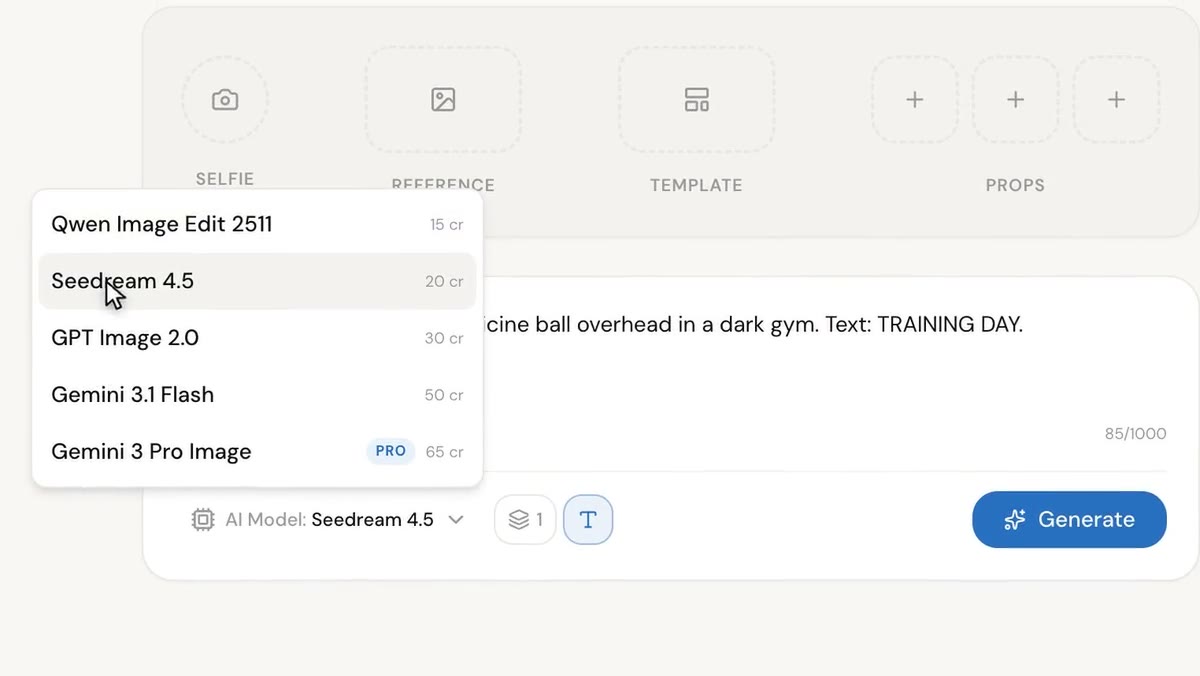
Your pick of models.
Describe the thumbnail in plain language, then pick the model: Qwen Edit, Seedream 4.5, GPT Image 2.0, Gemini 3.1 Flash or Gemini 3 Pro Image. Four of the five fail over to a second provider when the first errors or stalls. GPT Image 2.0 has no second provider serving it, so it retries OpenAI.
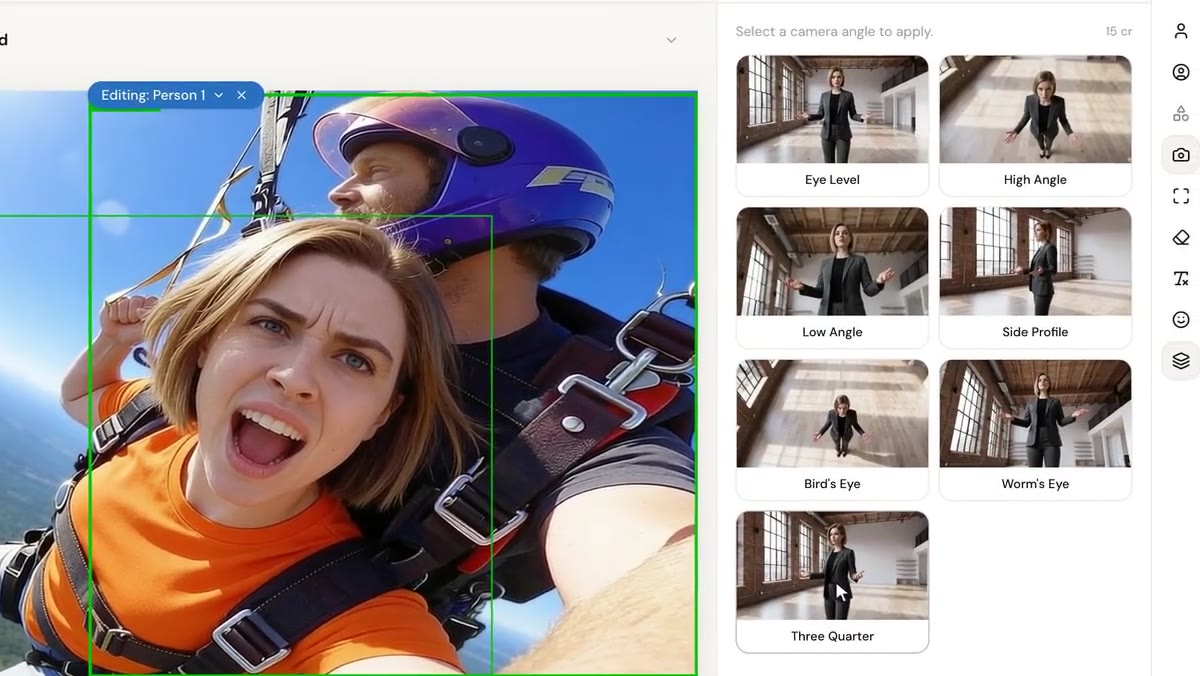
Purpose-built AI tools.
Swap in your own photo, replace an element, change the camera angle or expression, remove an object or text, upscale, or restyle the text overlay. You name the layer to change and the model returns a new frame with that change made.
Simple credits-based pricing.
Cancel anytime. Every new account starts on the 7-day Pro trial, no card required.
Free
- 125 credits per month
- Up to 1 generation at a time
- Try every Pro feature for 7 days
Starter
- 2,500 credits per month
- Up to 4 generations at once
- All standard models
- Full editor toolkit (replace person, replace element, camera angle, expression, prompt edits)
What a credit actually buys
Credits pay for generating and editing. Searching costs nothing on any plan.
One generated image costs 15 to 65 credits depending on which model you pick: Qwen Edit 15, Seedream 4.5 20, GPT Image 2.0 30, Gemini 3.1 Flash 50, Gemini 3 Pro Image 65. A run produces 1 to 4 images and bills for every one, so four images on Gemini 3.1 Flash is 200 credits. Edits are flat rate: replacing a person or an element, changing a camera angle or an expression, and removing an object are 15 credits each, and upscaling is 10.
At the create page's defaults, which are Seedream 4.5 at one image per run, a finished thumbnail comes to about 55 credits: two generation attempts at 20 each, plus one 15-credit edit. On that basis, and on that basis only:
- Free: 125 credits a month, about 2 finished thumbnails.
- Starter: 2,500 credits a month, about 45 finished thumbnails.
- Pro: 5,500 credits a month, about 100 finished thumbnails.
- Studio: 15,000 credits a month, about 272 finished thumbnails.
Change the model and that arithmetic changes with it. The same two-attempts-plus-one-edit recipe costs 45 credits on Qwen Edit and 145 on Gemini 3 Pro Image. Starter's 2,500 covers 55 finished thumbnails at the cheap end and 17 at the dear end. Asking for four images per attempt instead of one multiplies the generation half by four.
Top-up packs are open to everyone, subscriber or not: $5 for 500, $10 for 1,100, $25 for 2,800 credits, and they expire 12 months after purchase. Holding unspent top-up credits lifts a free account to Starter-equivalent access until they run out, with Gemini 3 Pro Image still reserved for Pro and Studio.
After the 7-day trial, a free account gets 2 niche searches a day, the top 4 results of each, and up to 2 images per generation. Paid plans raise the daily search cap to 10 on Starter, 30 on Pro and 60 on Studio, and lift the result gate and the image cap. Every plan has a daily cap; upgrading raises it rather than removing it.
Questions, answered.
What is Vwrap, exactly?
How is this different from a general AI image generator?
How do credits work, and what does one thumbnail actually cost?
If I don't like what it generates, do I lose the credits?
What's in the free plan and the trial?
What happens to unused credits?
What models does Vwrap use?
How are outliers calculated?
Can I use the thumbnails commercially?
Can I cancel anytime?
Do you train AI on my uploads?
Stop guessing what to make.
A 7-day Pro trial with 500 credits. No card needed. Start free.